How do I load cryptocurrency onto a single Ballet crypto gift card?



Click the “Scan” button in the Ballet Crypto app and then scan the QR code on the backside of your crypto gift card. Please note that this QR code is not a cryptocurrency deposit address, but rather a webpage link to show your card details.
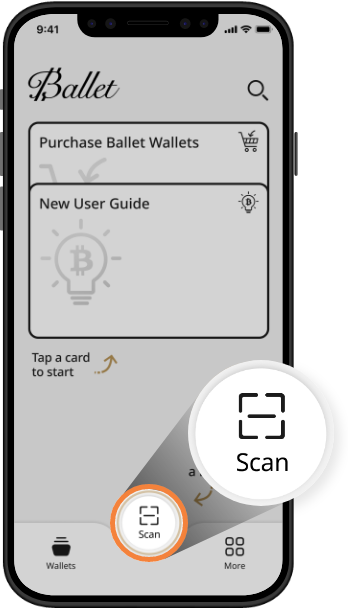
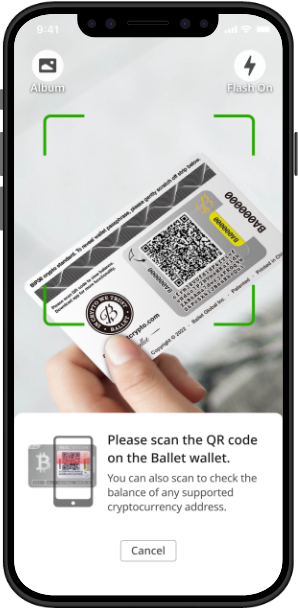
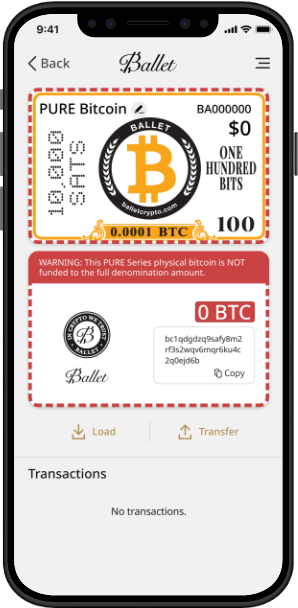
Click the “Load” button to see the cryptocurrency deposit address and its corresponding QR code.
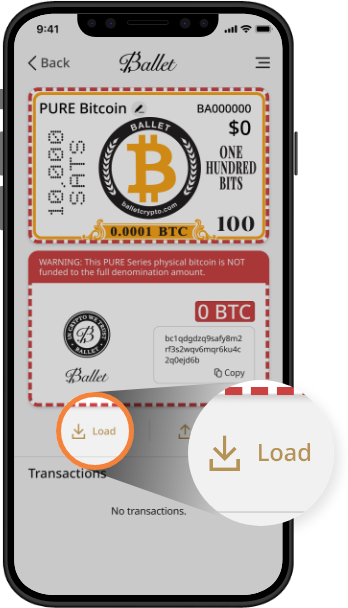
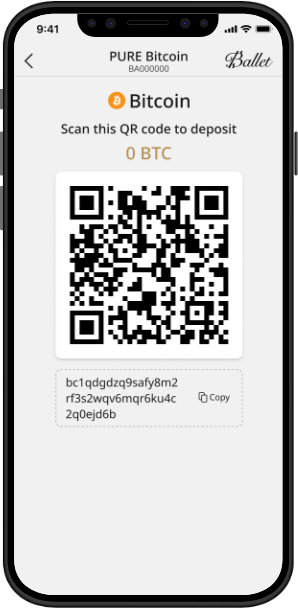
Send the corresponding amount of cryptocurrency to the deposit address. Please note that the deposit address will no longer be visible in the Ballet Crypto app once the cryptocurrency balance reaches the marked denomination value of the crypto gift card.
How do I load cryptocurrency onto multiple Ballet crypto gift cards at once?

By using a separate Ballet REAL Series cryptocurrency wallet, you can send cryptocurrency to multiple crypto gift cards all at once, in one single blockchain transaction.
Learn more>